 01
01Precise dimensional fit
Enter the wall's real measurements: the design is scaled correctly, keeping proportions, repeats and print definition. The preview shows a result consistent with the final one.
AI room previews for wallpaper brands
Turn buying into an experience: the customer uploads a photo and sees your wallpaper on their own wall in seconds.
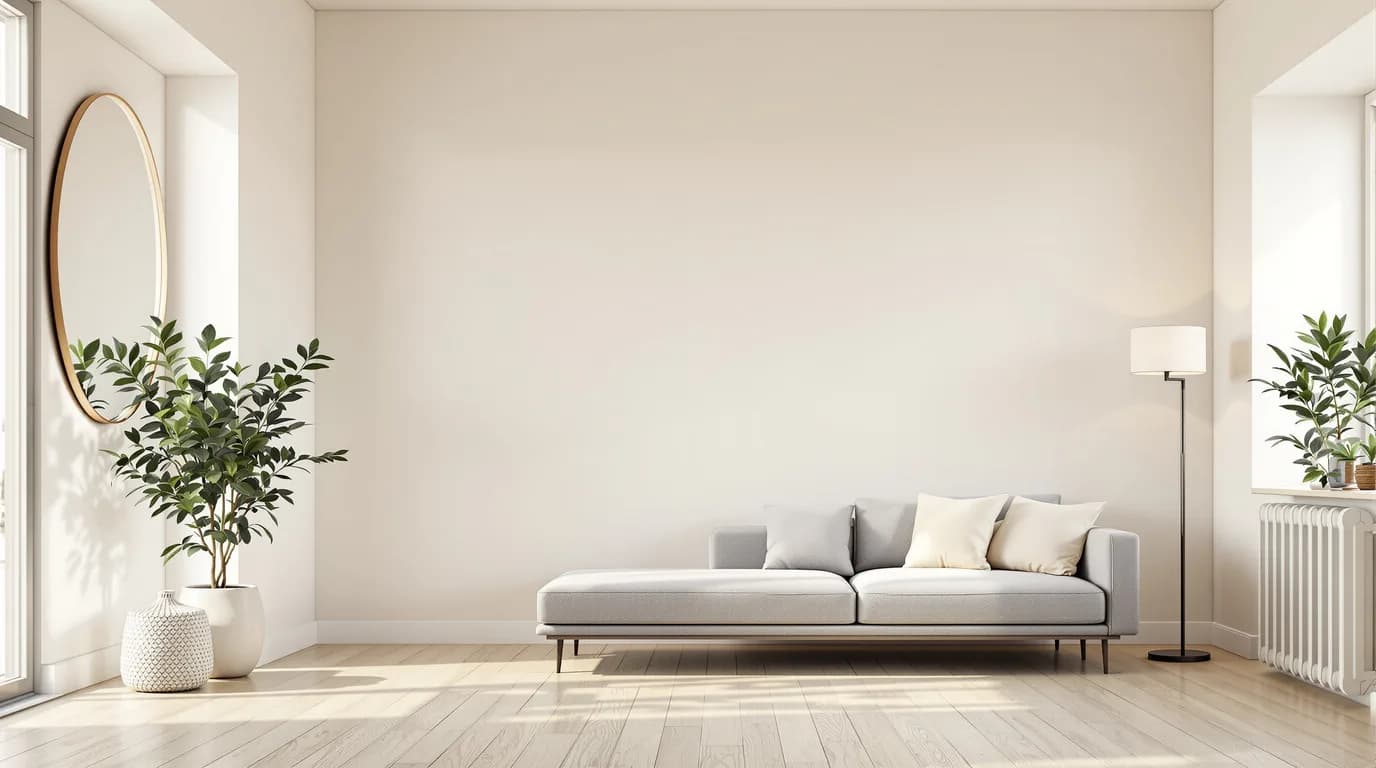
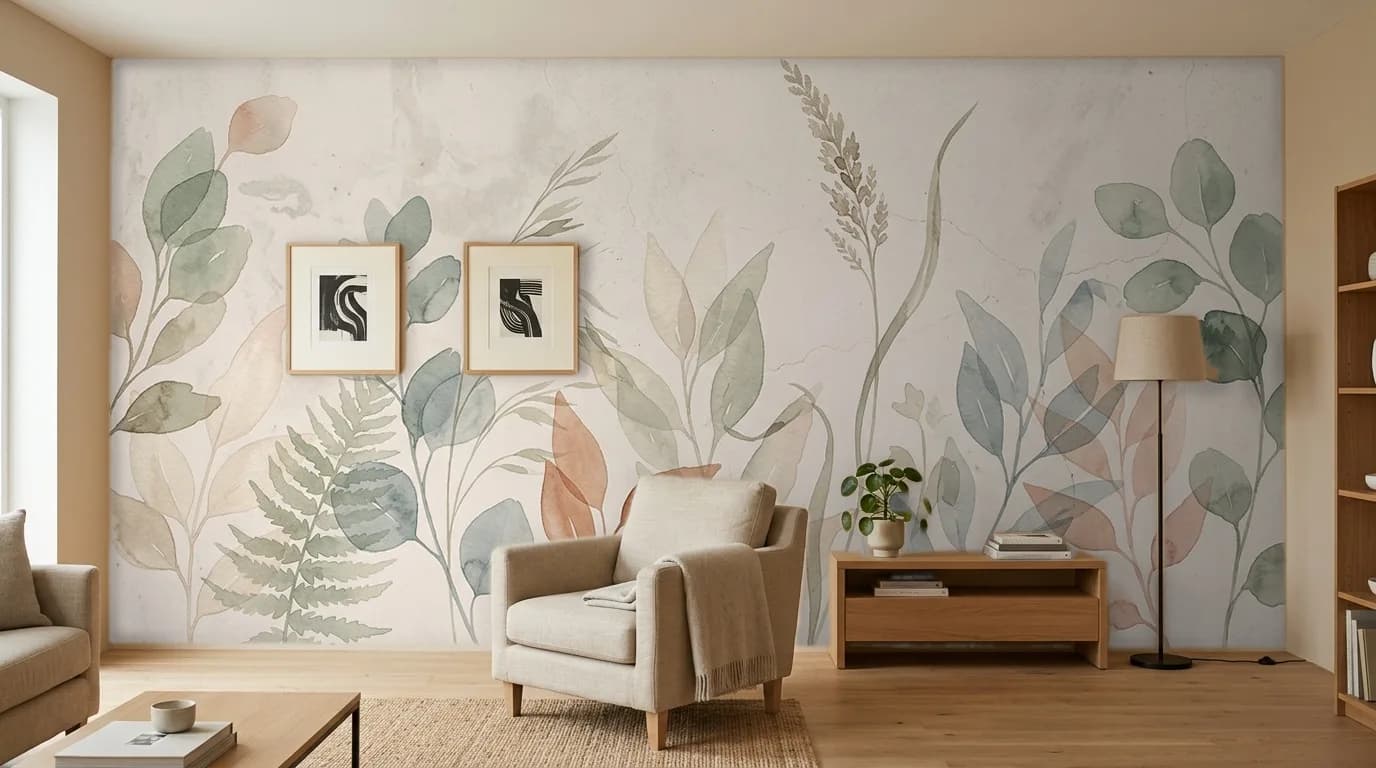
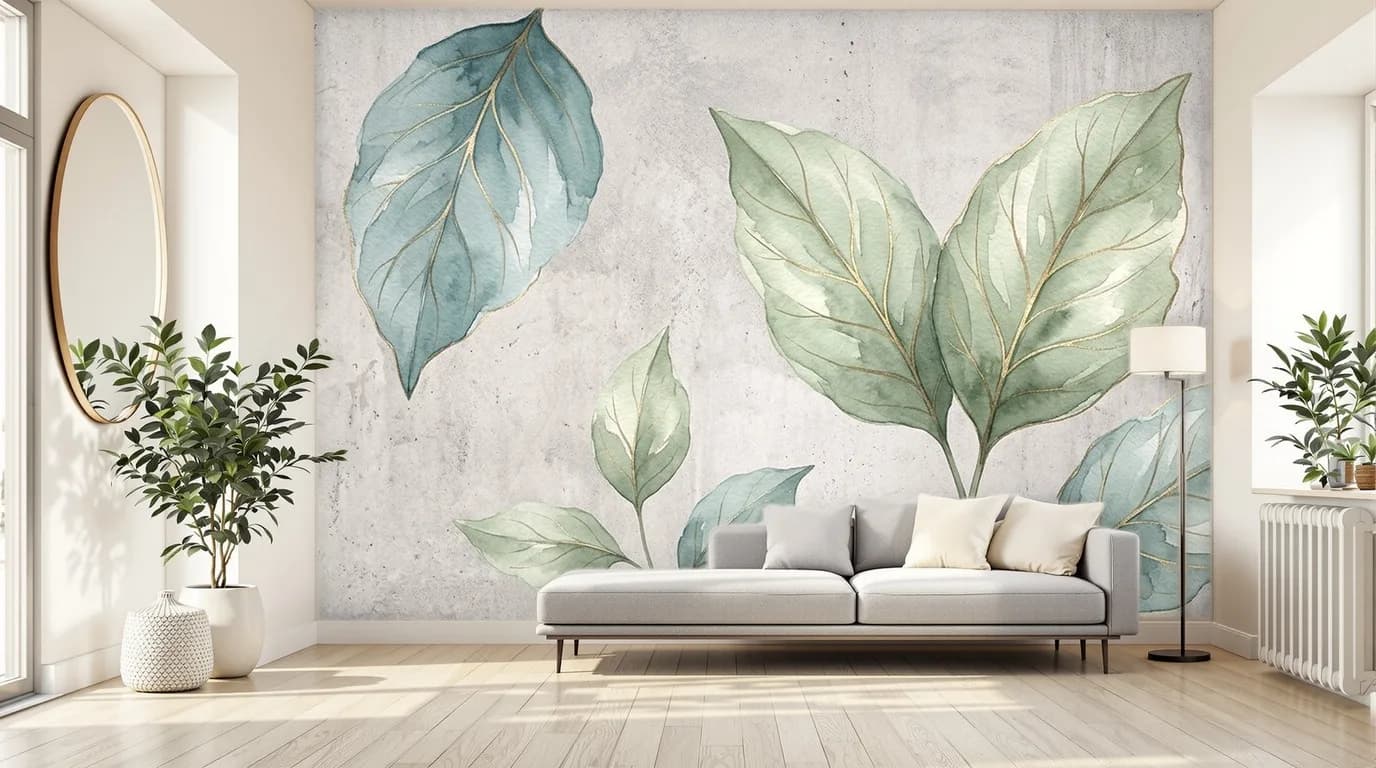
 BeforeAfterBefore: Modern living room with the original wall, before application. After: The same living room with a botanical wallpaper applied to the wall, furniture and objects kept in place.
Real room: the same wall, before and after — furniture and objects kept in place. Preview generated by PaperFit.
On your website
PaperFit lives on your website, under your brand: next to every design in your catalogue there's a button. The customer uploads a photo of the room and sees your wallpaper on their own wall.
The customer opens a design from your catalogue
Clicks the button and uploads a photo of their room
Gets a photorealistic preview straight away. And for you, that's a qualified lead.
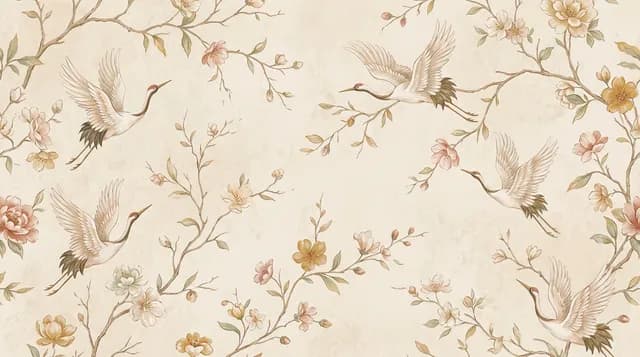
Illustration: the button and the preview live on your website, under your domain and brand.
The benefits
Don't just show a wallpaper. Let them try it.
Customers see the product in their own room, decide faster, and can turn into a far more concrete sales enquiry.
More engagement
Instead of browsing the catalogue and leaving, customers interact with the product and bring it virtually into their own home.
Better qualified leads
When an enquiry arrives you don't start from scratch: you already know the design chosen and the room it is meant for.
More sales enquiries
The preview creates a concrete reason to leave their details, ask for information, request a quote or talk to a salesperson.
A sale already further along
The customer has already seen the result on their own wall: the sales conversation starts from a real choice, not idle curiosity.
Interactive demo
Switch the wallpaper or the wall colour: every preview here is real output from PaperFit.
What would you like to try?
The same real room with different wallpapers: pick a design and see the preview generated by PaperFit — furniture and objects stay where they are.
Designs
Previews generated by PaperFit on the real products.
Want to try it on your own wall?
Request a free demoFeatures
01Enter the wall's real measurements: the design is scaled correctly, keeping proportions, repeats and print definition. The preview shows a result consistent with the final one.
 02
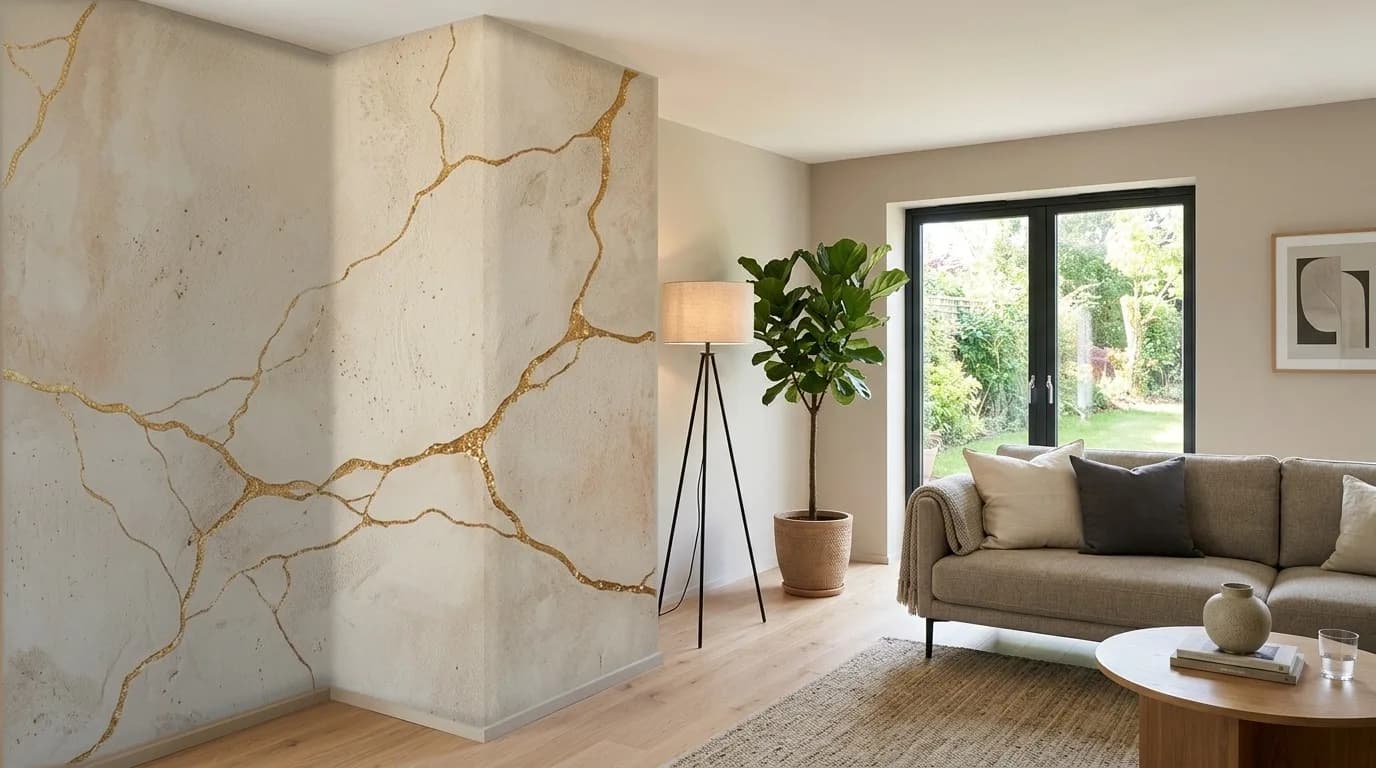
02The design automatically follows the room's perspective, adapting to receding walls and continuing naturally around corners.
 03
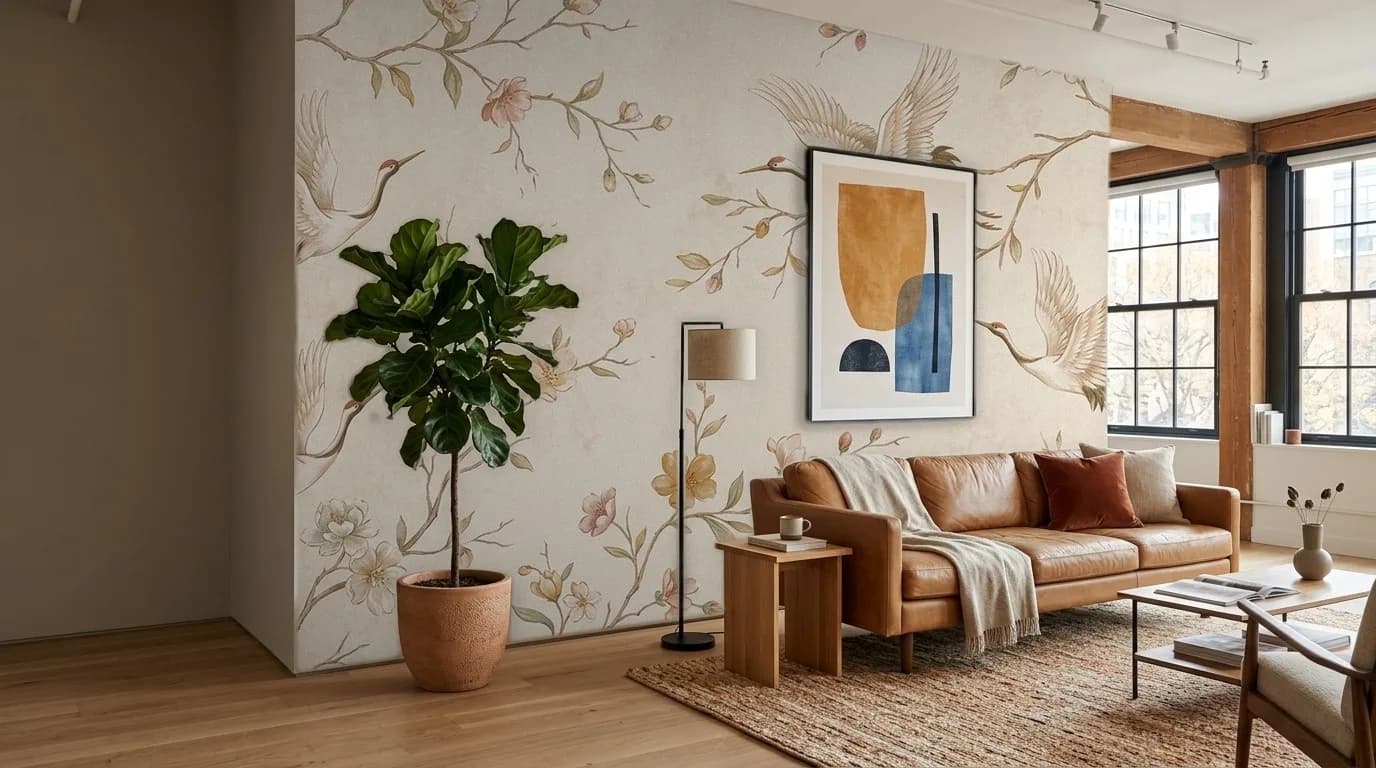
03Sofas, lamps, doors, radiators and anything else in front of the wall are preserved, for a preview that is credible and part of the room.
 04
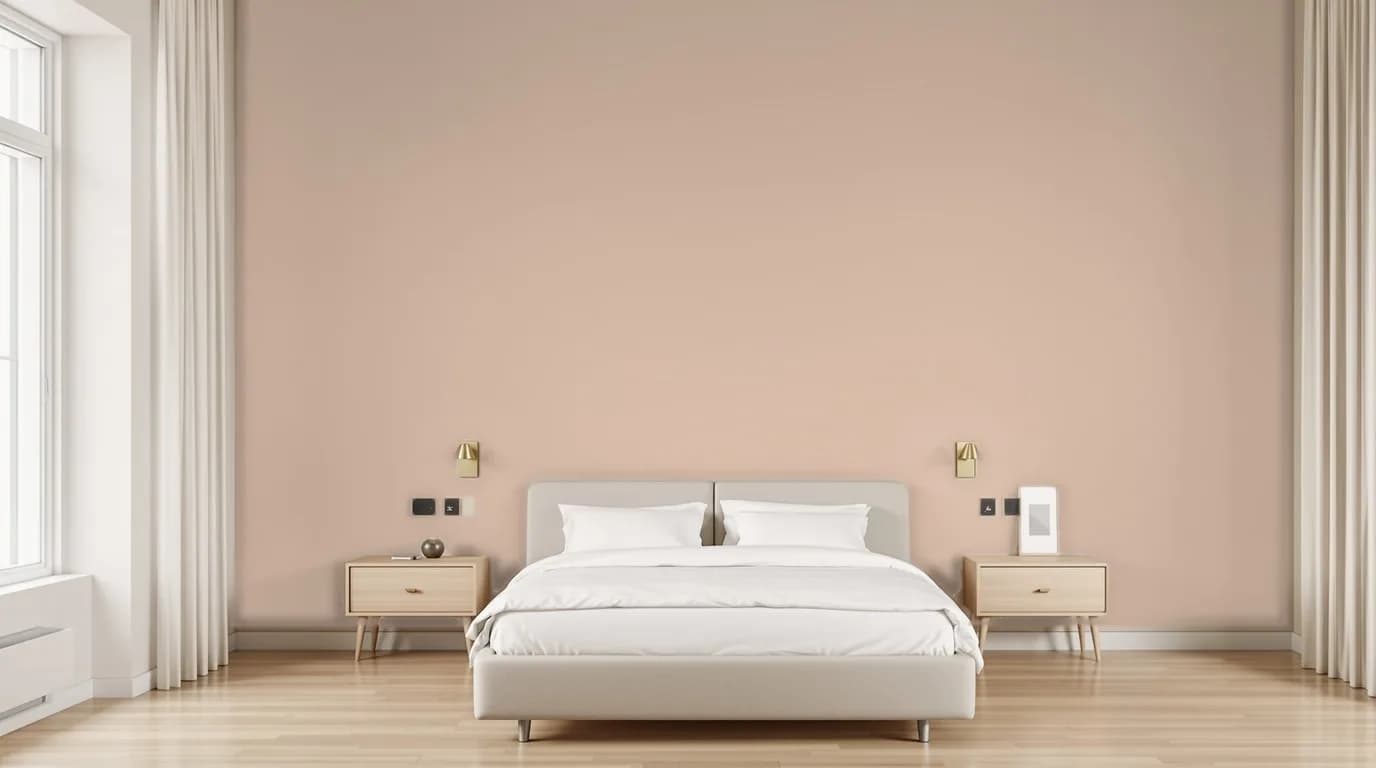
04Try any shade directly on the wall, keeping the room's real light, shadows and character.
The flow
Four steps, one photo. No software to install.
01
Take or upload a photo of the room: a smartphone is all you need.
02
Tap the corners of the wall: choose one wall, several walls or half a wall.
03
Enter the wall's measurements, even approximate ones.
04
In about 70 seconds: the time it takes for the highest photorealistic quality.
Real examples
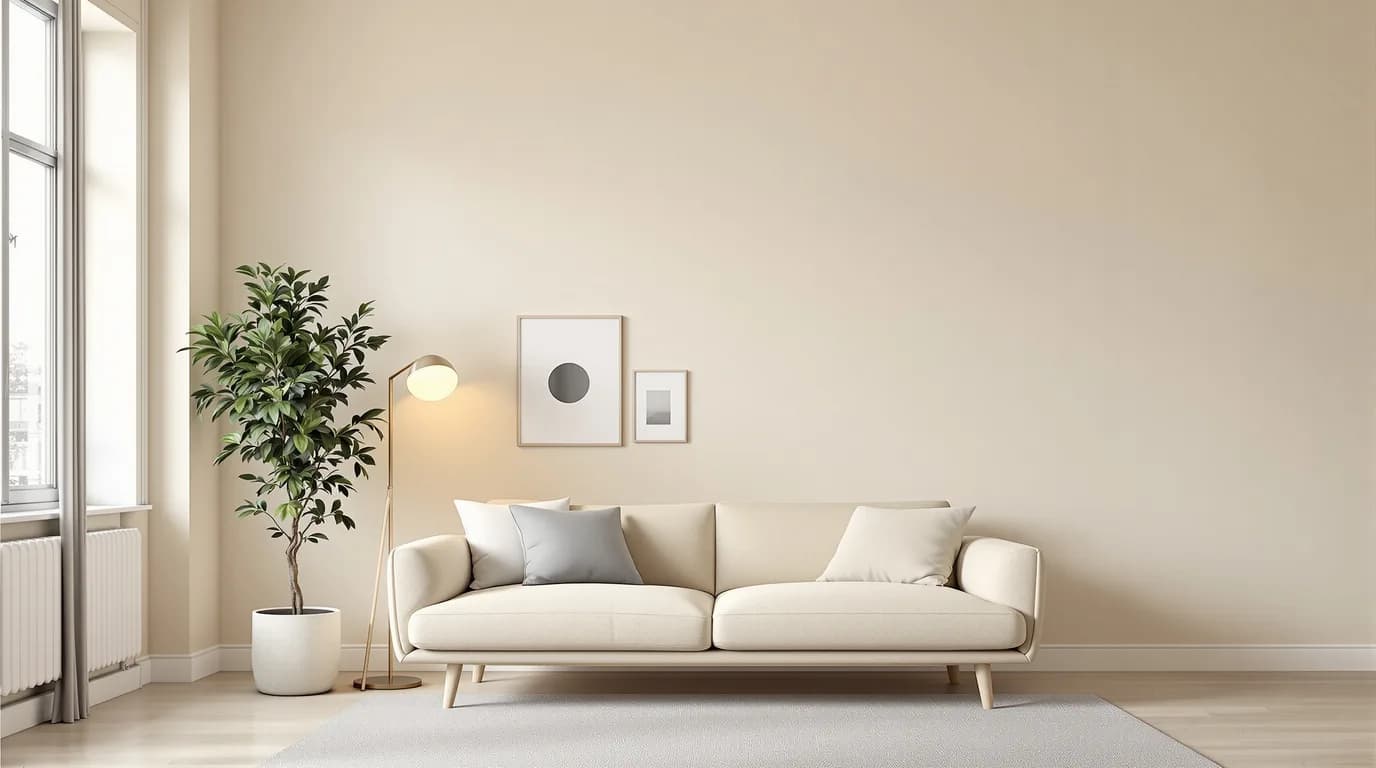
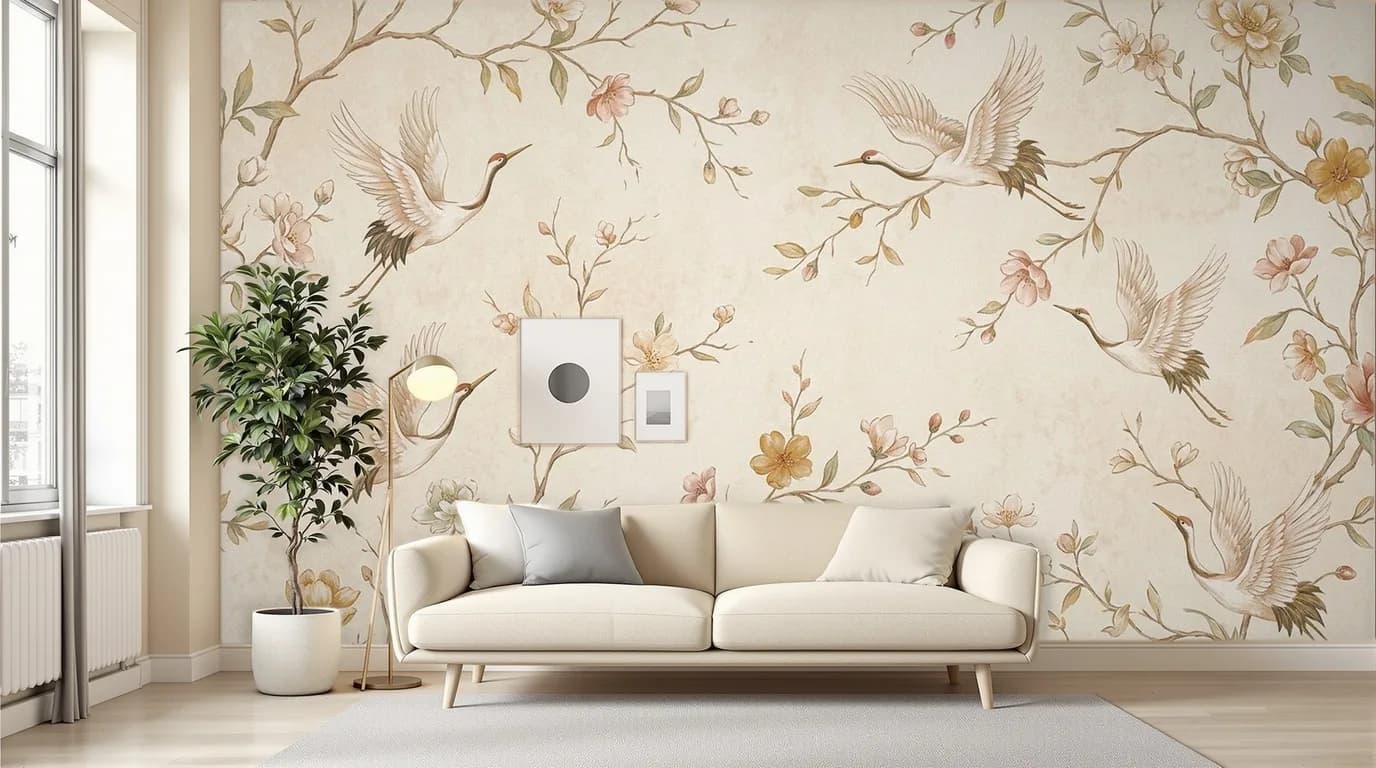
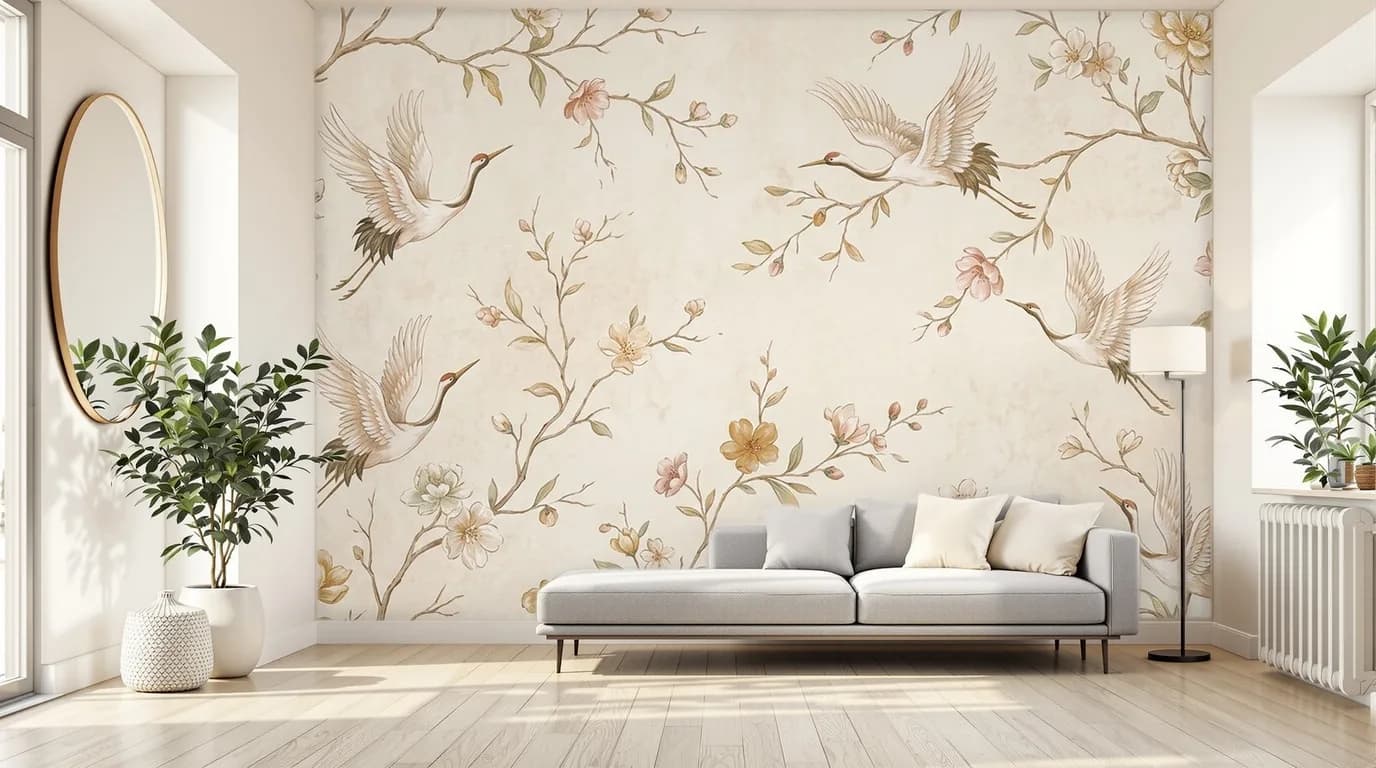 BeforeAfterBefore: Living room — Original. After: Living room: Cranes and flowers — wallpaper applied by PaperFit; furniture and objects kept in place.
Choose a room preview
Real previews generated by PaperFit, not manual photo montages.
Frequently asked questions
No: it runs in the browser, on smartphones too. For brands, the integration is built directly into the site you already have, with a private area for trade professionals.
The next step
Tell us about your brand and what you need: we'll show you PaperFit in action on one of your designs, on a real wall.
Free demo · no commitment